Migrate from Squarespace to Webflow? Guide & Expert Review
.jpg)
Migrate from Squarespace to Webflow? Guide & Expert Review
Thinking about moving from Squarespace to Webflow?
If you’re considering a squarespace to webflow move, you’re probably feeling some kind of friction. Maybe your site looks fine but doesn’t feel like your brand anymore. Maybe it works, but it doesn’t scale with your business. Or maybe you’re starting to realize that your current website builder was perfect in the beginning, but not built for what comes next.
That moment is more common than you think. Founders, operators, and creative teams hit it at different stages, but the pattern is always the same. What once felt simple starts to feel limiting. And that’s usually when the idea to migrate from squarespace to webflow shows up.
What “Squarespace to Webflow” migration actually means
Let’s set expectations properly, because this is where most businesses misunderstand the process. When people talk about a squarespace to webflow migration, they often imagine a technical transfer, something like exporting files and importing them into a new system. That would be nice, but it’s not how these two platforms work.
Squarespace does allow you to export certain parts of your site, mainly blog content and some basic page structures. However, the design layer, layout logic, and styling don’t translate into Webflow. This means that when you move to Webflow, you are not copying your existing site. You are rebuilding it.
And here’s where things shift. Instead of thinking about this as a limitation, it’s more useful to see it as an opportunity. You’re not just moving platforms, you’re rethinking your entire website development approach. That includes structure, UX, messaging, and performance.
Most teams don’t realize this until they’re halfway through the process. But once you accept that your new webflow website is essentially a refined version of your previous one, the process becomes much more intentional.
Can you migrate from Squarespace to Webflow directly?
Short answer, no. Long answer, partially, but not in the way most people expect.
You can export some content from a squarespace site, especially blog posts in XML format. You can also download assets like images and videos. But anything tied to layout, including sections, spacing, and visual structure, doesn’t carry over. That includes anything built with squarespace templates.
So while technically you can move data, you can’t move the experience.
This is usually the point where people pause and think, is it worth it? And the honest answer is, it depends on what you’re trying to achieve.
If your goal is to recreate the exact same site, then no, it’s probably not worth the effort. But if your goal is to improve performance, design, and flexibility, then rebuilding inside Webflow starts to make a lot more sense.
And here’s a small but important observation. Most businesses that consider switching already feel that something about their site isn’t working. That’s rarely a coincidence.
Webflow vs Squarespace: which platform is better?
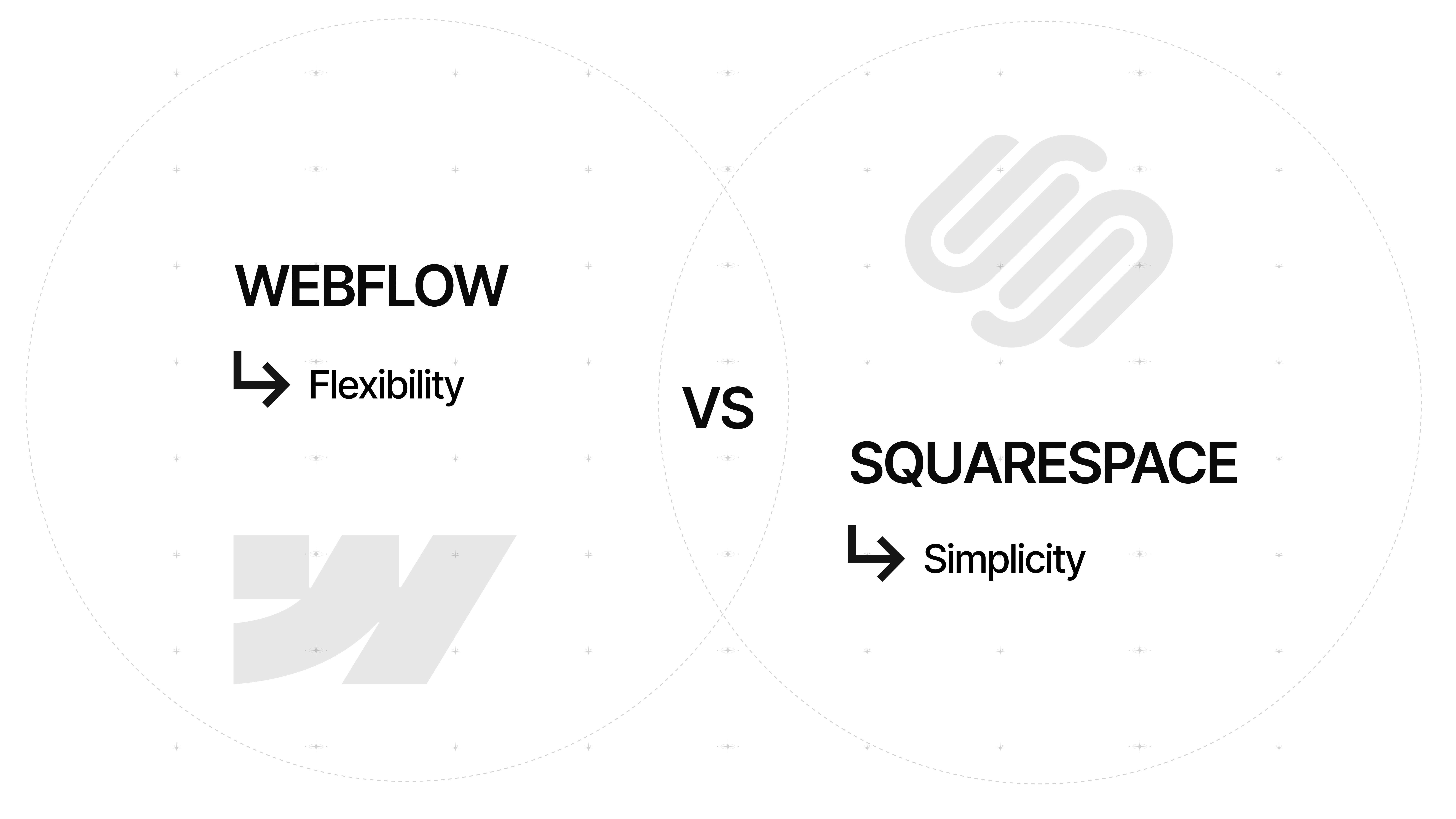
The webflow vs squarespace conversation often turns into a debate, but it’s more useful to think of it as a positioning difference. These are two strong website building platforms, but they’re built for different types of users.
Squarespace offers simplicity. You choose a design, adjust content, and launch quickly. It’s ideal for founders who want something that looks good without spending time on designing the website in detail. It removes complexity, which is exactly why it’s so popular.
Webflow is different. Webflow is a visual website builder that gives you granular control over layout, spacing, interactions, and structure. It’s closer to design software than a traditional builder. That’s why designers, developers, and more advanced teams tend to prefer it.
So how do you decide between webflow and squarespace?
If you need speed and simplicity, Squarespace is still a great option. If you need control, scalability, and deeper customization, Webflow becomes the stronger choice.
And this is where most growing brands land. At some point, the limitations of simplicity start to outweigh its benefits.
Why brands are moving from Squarespace to Webflow
From the outside, switching platforms can seem like a technical decision. In reality, it’s almost always a strategic one.
Many brands start with Squarespace because it’s fast and accessible. The squarespace design system is clean, the templates are polished, and you can launch a site without much friction. For early-stage businesses, that’s exactly what you need.
But over time, patterns start to emerge. The site begins to feel generic. You start noticing other brands using similar layouts. And when you try to push beyond the limits of the system, you run into constraints.
This is where Webflow changes the dynamic. Instead of adapting your brand to a template, you build a system around your brand. You’re not limited by predefined structures, and that allows for a much more intentional website design.
Another key factor is flexibility. As businesses grow, they often need more advanced features. This might include dynamic content, integrations with marketing tools, or more complex user flows. While squarespace offers some level of integration, it’s not built for deeper customization.
Webflow, on the other hand, supports more advanced use cases. Whether it’s custom code, third-party tools, or structured content systems, it gives you more room to evolve.
And then there’s performance. While both platforms provide hosting, webflow hosting combined with clean structure often results in better performance and more control over optimization. For brands that rely on organic traffic, this becomes an important factor.
When you should NOT migrate
Here’s something that might sound counterintuitive coming from a guide like this. You shouldn’t always switch platforms.
If your current squarespace website is doing its job, generating leads, supporting your business, and aligning with your brand, then migrating might not be necessary. Not every business needs advanced features or full control over layout.
A lot of founders assume the platform is the problem. But often, the real issue is messaging, positioning, or outdated content. Changing platforms won’t fix those things.
So before you migrate your website, take a step back and evaluate what’s actually holding you back. If it’s design limitations, scalability, or performance, then the move makes sense. If not, you might just need to improve what you already have.
Squarespace to Webflow migration: what the process actually looks like
Once you decide to move forward, the process becomes much more practical. While there’s no one-click solution, the steps themselves are clear.
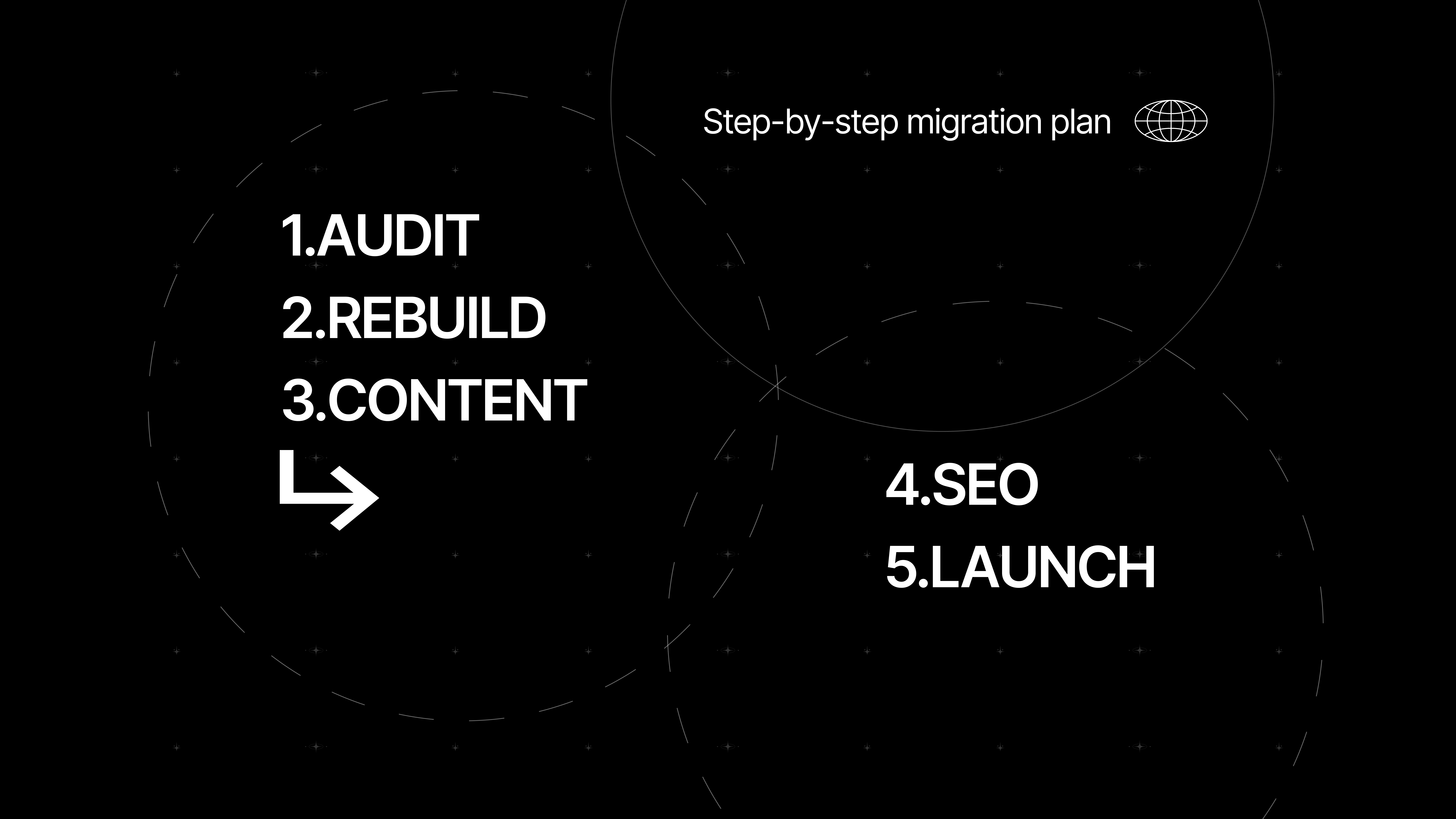
1. Audit your existing site
Start by reviewing every page, understanding your content structure, mapping URLs, and identifying what needs to be preserved. It’s not the most exciting part, but it sets the foundation for everything that follows.
2. Define your new Webflow structure
Set up your pages, navigation, and CMS collections. A well-planned structure makes your webflow project more scalable and easier to manage.
3. Rebuild the site
Recreate your site in Webflow, but this time with more intention. This is your opportunity to refine layout, improve user flow, and enhance responsiveness. Unlike using squarespace, you’re not constrained by templates, which allows for more creative freedom.
4. Migrate your content
Some content can be exported, especially blog content, but most of it will need to be recreated manually. Moving content from squarespace into a new system takes time, but it also gives you a chance to improve clarity and consistency.
5. Handle SEO and launch
Set up 301 redirects, transfer metadata, and connect your custom domain. Whether you keep your existing squarespace domain or move it elsewhere, the goal is to ensure a smooth transition.
What happens to your content, blog, and CMS?
Content migration is often underestimated, especially for sites with a large blog or structured content.
While you can export blog data, the formatting doesn’t always transfer perfectly. Images may need to be re-uploaded, layouts adjusted, and some elements rebuilt manually. If your site relies heavily on content, this step requires careful planning.
This is where webflow cms becomes valuable. It allows you to create structured, dynamic content systems that are easier to manage over time. Instead of static pages, you can build collections that scale with your content.
If you’re planning to create a blog on webflow, this is your chance to do it properly. Think about categories, structure, and long-term usability, not just copying what you had before.
SEO considerations when migrating to Webflow
SEO is usually the biggest concern when planning a migration. And it’s a valid one.
When you migrate from squarespace to webflow, there is always some level of risk. But that risk comes from execution, not the platform itself.
The most important factor is preserving your existing structure. Keep your URLs consistent where possible, and set up 301 redirects for anything that changes. This ensures that search engines and users are directed to the correct pages.
You also need to transfer your metadata, including titles, descriptions, and alt tags. Once your new site is live, submit your sitemap and monitor performance.
Here’s a simple way to think about it. SEO is not about the platform you use, it’s about how well your site is built and maintained.
How long does a Squarespace to Webflow migration take?
Timelines depend on the size and complexity of your site.
A small site with a handful of pages can often be rebuilt within a couple of weeks. Larger sites with multiple content types, integrations, or custom features naturally take longer.
For most projects, a realistic timeline falls between two and six weeks. More complex builds can extend beyond that, especially if content needs to be restructured or redesigned.
And this is where patience becomes important. Rushing a migration often leads to issues that are harder to fix later.
Cost of migrating from Squarespace to Webflow
The cost of migrating varies depending on how you approach it.
If you’re doing it yourself, your main investment is time, along with Webflow subscription costs. This can be a good option for smaller projects or teams with internal resources.
Working with an agency is a different investment. Costs can range significantly depending on design complexity, content volume, and functionality. For brands where the website plays a key role in revenue or perception, this investment is often justified.
There’s also a less obvious cost. Rebuilding your site forces you to rethink structure, messaging, and user experience. That takes time, but it’s also where meaningful improvements happen.
DIY vs hiring Webflow experts
This decision comes down to priorities rather than just budget.
If you enjoy learning new tools and your site is relatively simple, building it yourself can be a rewarding process. Webflow offers resources like webflow university, which makes it easier to get started.
However, if your site is tied to growth, conversions, or brand perception, working with webflow experts can make a significant difference. A well-executed Webflow site is not just visually better, it performs better across the board.
Think of it this way. You can design your own brand identity, but for something that represents your business publicly, professional input often leads to a stronger result.
Common migration mistakes to avoid
Most migration issues don’t come from the platform itself, but from how the process is handled.
Common mistakes include:
- Skipping SEO setup
- Failing to create proper 301 redirects
- Forgetting to transfer metadata
- Copying content without improving it
- Focusing too heavily on design while ignoring structure
- Building unclear navigation or user flows
- Treating migration as purely a technical task
A visually appealing site that lacks clear navigation or usability won’t perform well.
And this is where many businesses go wrong. They treat migration as a technical task instead of a strategic one. Your website is a core part of your brand, and it should evolve with intention.
Squarespace to Webflow for hospitality and creative brands
If you’re in hospitality, lifestyle, or any visually driven industry, the difference between these two platforms becomes more noticeable.
A restaurant, hotel, or creative brand doesn’t just need a functional site. It needs to communicate atmosphere, identity, and experience. This is where Webflow has a clear advantage.
With Webflow, you can create richer layouts, incorporate animations and interactions, and design more immersive experiences. Instead of relying on static templates, you build something that feels unique.
Think about how brands like Apple or Airbnb approach their websites. They focus on storytelling, detail, and flow. That level of execution is difficult to achieve with template-based systems.
And if your brand depends on perception, those details matter more than you might expect.
Final verdict: is Webflow worth it?
If you’re comparing squarespace vs webflow, the answer depends on what you need your site to do.
Squarespace is still a strong option for simplicity. It’s reliable, fast to set up, and easy to maintain. For many businesses, that’s enough.
Webflow is different. It requires more effort, but it gives you more control. If your website is part of your growth strategy, not just an online placeholder, that control becomes valuable.
So is it worth switching?
If you’re thinking long-term, if your brand is evolving, and if your site needs to do more than just exist, then yes, Webflow is often the better choice.

FAQs
Can you fully export a Squarespace site into Webflow?
No, full export is not supported. You can move some content, but design and structure must be rebuilt manually.
Is Webflow better than Squarespace for design flexibility?
Yes, Webflow offers significantly more control over layout, spacing, and interactions compared to Squarespace.
What happens to SEO when you migrate?
SEO can be preserved if redirects, metadata, and structure are handled properly during migration.
Can I keep my domain when switching platforms?
Yes, you can keep your existing domain and connect it to Webflow through DNS settings.
Is Webflow suitable for beginners?
It has a learning curve, but with resources like Webflow University, beginners can learn it over time.
Should I rebuild or redesign during migration?
Redesigning is usually the better approach, as it allows you to improve structure, UX, and performance.
Visual Storytelling in Your Sales Funnel
Unleash visual storytelling in the sales funnel! Craft a compelling video marketing strategy. Learn how storytelling in sales drives conversions.

Four minutes to the best marketing in Florence
What can a sandwich in Florence teach us about branding and hospitality marketing? A story of hype, human connection, and what brings guests back.

The White Tablecloth Dilemma
A simple hospitality decision revealed how small details shape expectations, influence behaviour and quietly decide who walks through the door.

Share this Blog Article on Social Media
See you
at 8:00.
Laptop optional.
Swimsuit recommended.
Excuses not accepted.
Let’s innovate together!